Order issues
Report an order issue when an order can’t be packed straight away, for example because an item is damaged or out of stock. This page explains how to report an issue, and how to resolve it once the problem is fixed.
Report an issue
- Open the order and start checking it.
- Open the menu at the top right of the page, and click Report issue.
- Describe the problem in Packer notes, so whoever picks it up knows what to do.
- Add a photo if it helps. On a phone or tablet, this opens the camera.
- Click Report Issue.
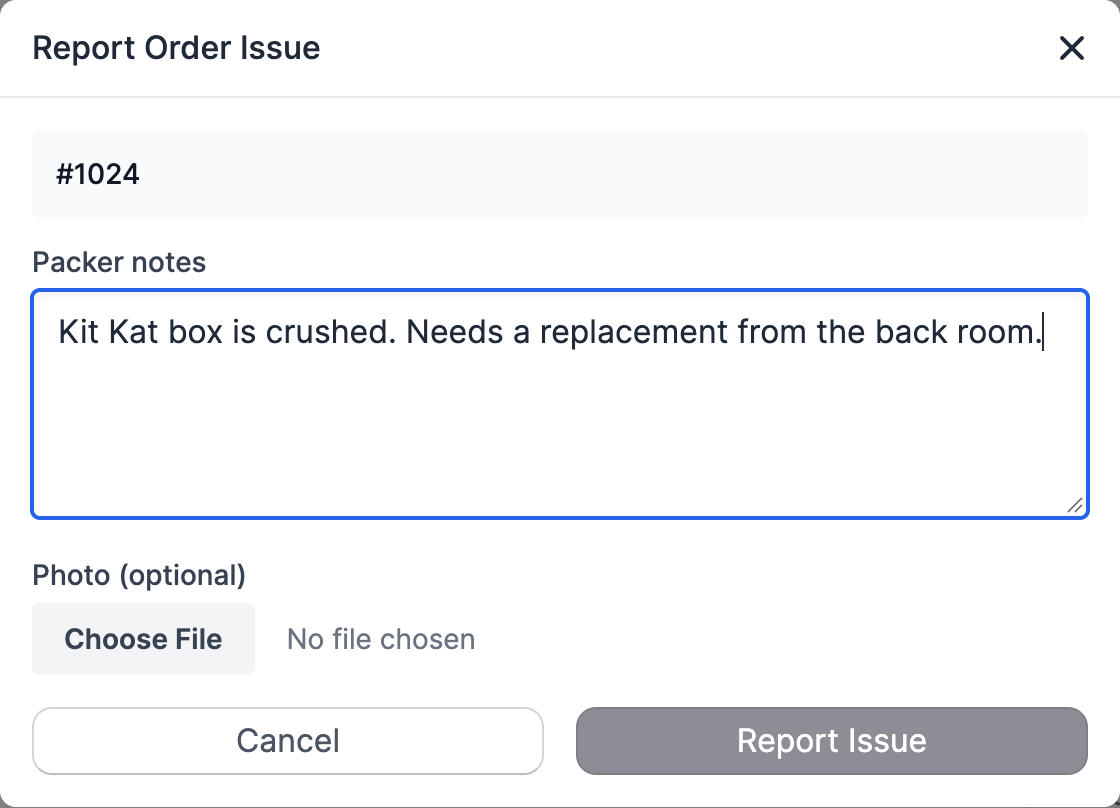
When you report an issue, Scanpacker:
- shows the packer note next to the order,
- marks the order with Order issue in the order queue,
- adds a tag to the order in Shopify (
order-issueunless you change it), - emails the people set up to hear about issues, and
- takes the order out of its batch, if you were picking a batch, so picking carries on with the other orders.
If you reported an issue by mistake, open the order and click Delete issue. Only the person who reported an issue can delete it.
Resolve an issue
Go to Order Issues in the sidebar. You can also get there from the link next to the tabs on the order queue.
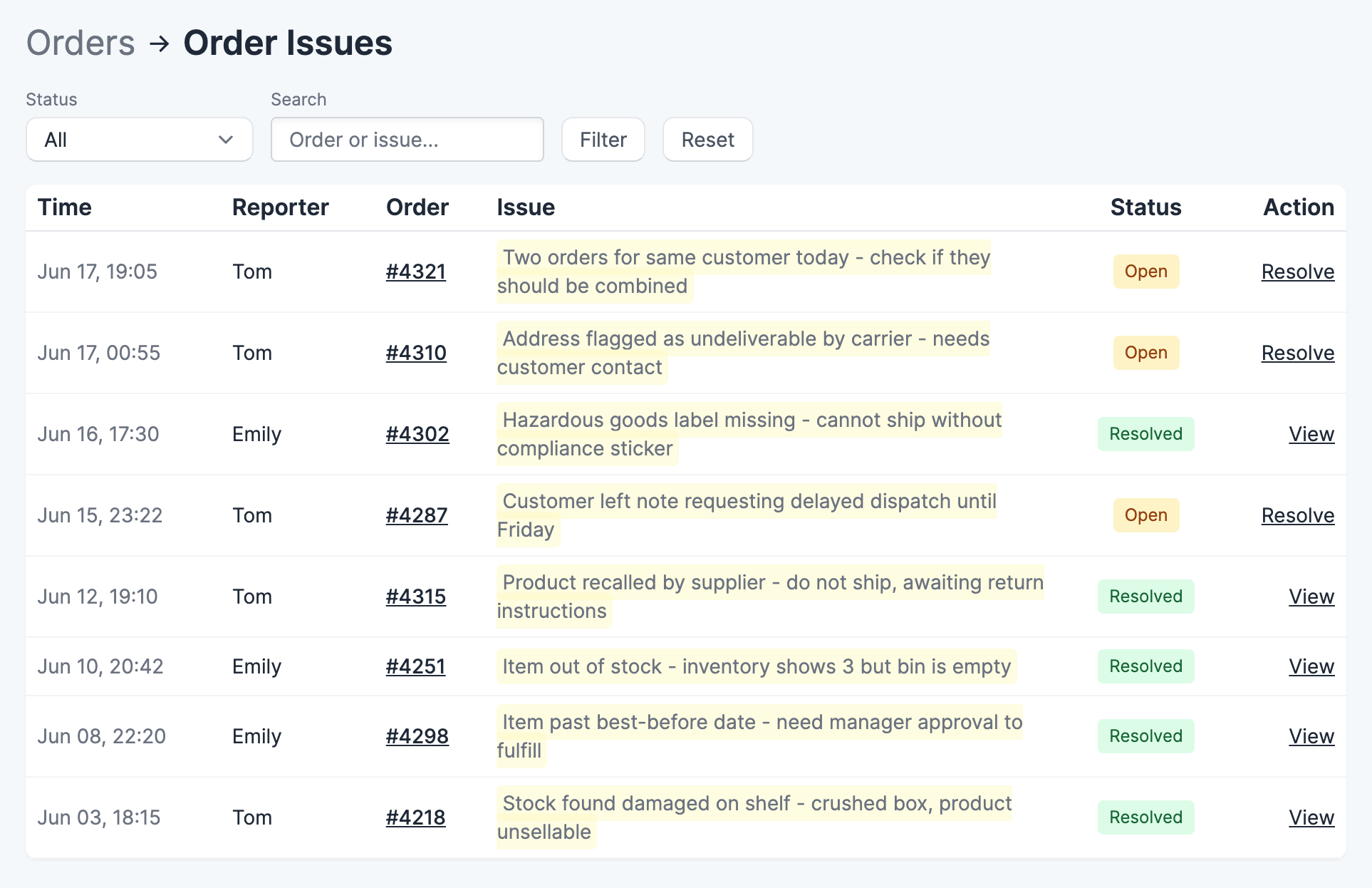
- Click Details on the issue to see it in full, with any photo.
- Once the problem is fixed, update the packer notes for whoever packs the order next.
- Click Resolve Issue.
Scanpacker removes the tag from the order in Shopify. The order can then be packed as usual, and the next packer sees the new note.
Use the Open, Resolved and All filters to look back at earlier issues.
Settings
Go to Settings, then Order Issues.
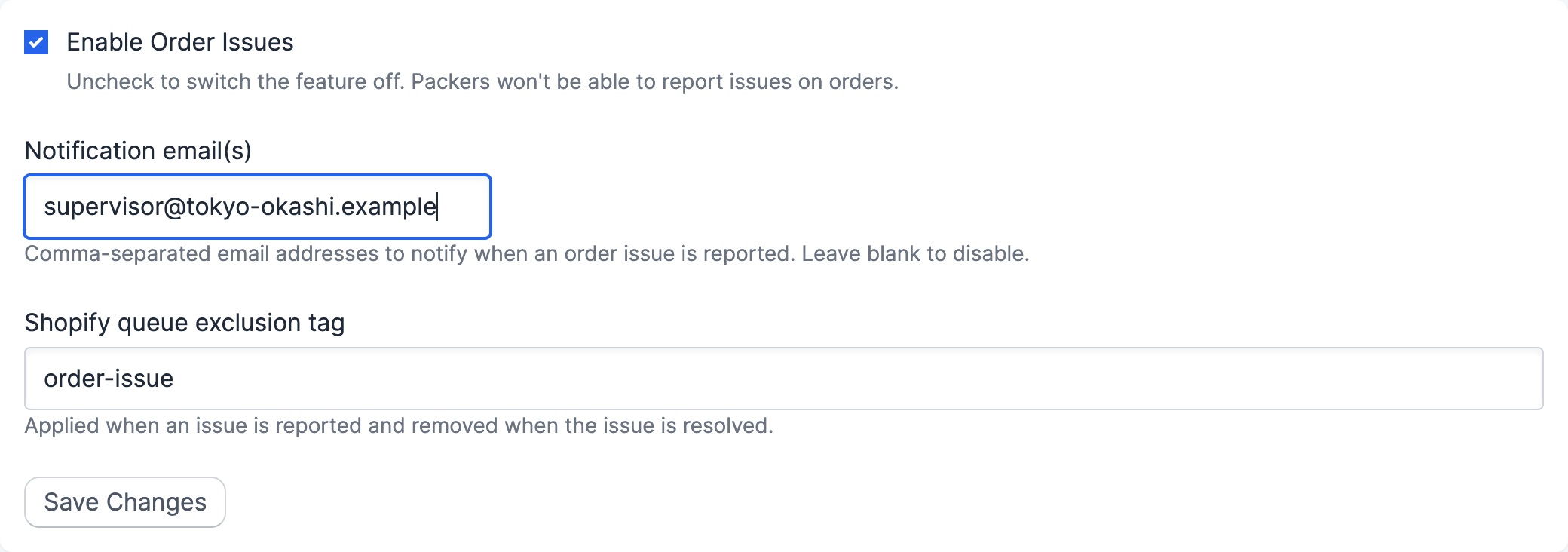
- Enable Order Issues — uncheck it to switch the feature off.
- Notification email(s) — who gets an email when an issue is reported. Separate several addresses with commas. Leave it blank to send no emails.
- Shopify queue exclusion tag — the tag added to the order while the issue is open.
To keep orders with open issues out of the pending queue, use the queue’s Exclude tagged filter with this tag. See order queue.
Who can report and resolve issues
Packers, operators and supervisors can report issues. Only supervisors and administrators can resolve them. See roles and permissions.